Step 1: Download & Extract
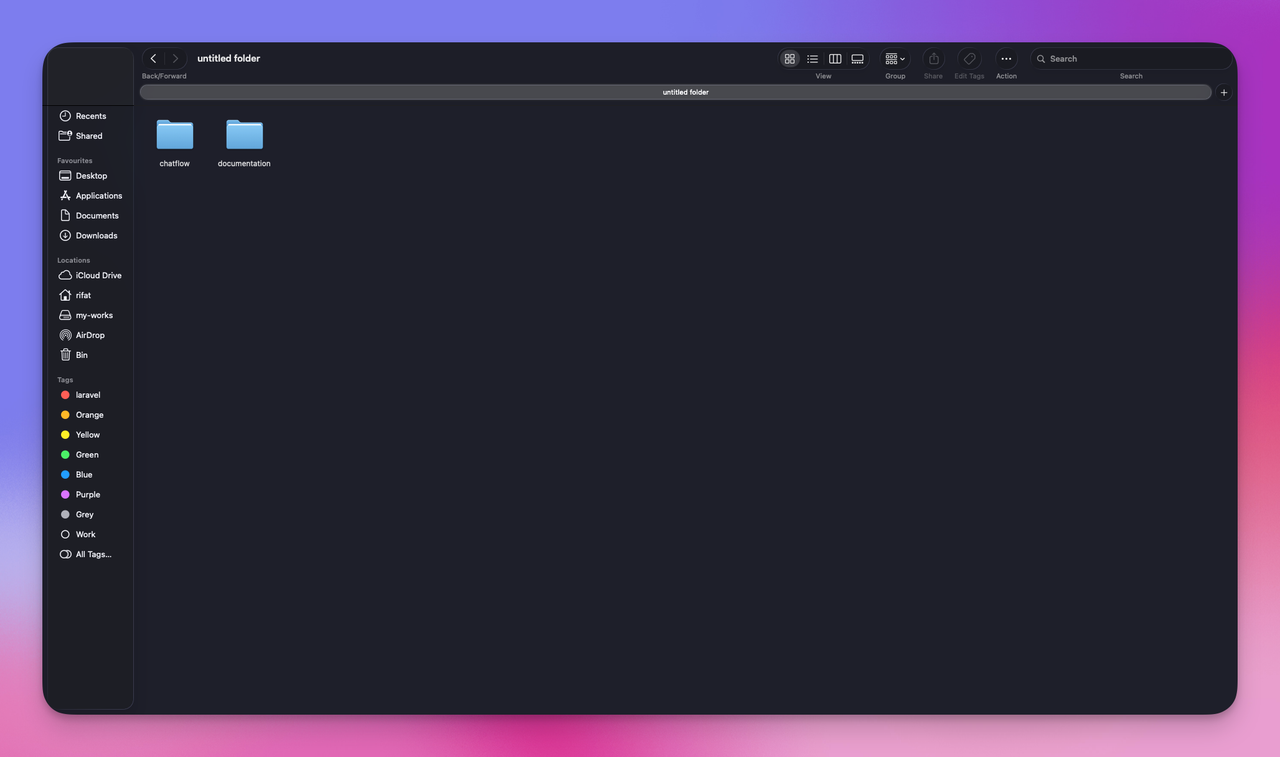
Download the file from Codecanyon and extract it on your PC. You will get 2 folders:
- Documentation
- ChatFlow
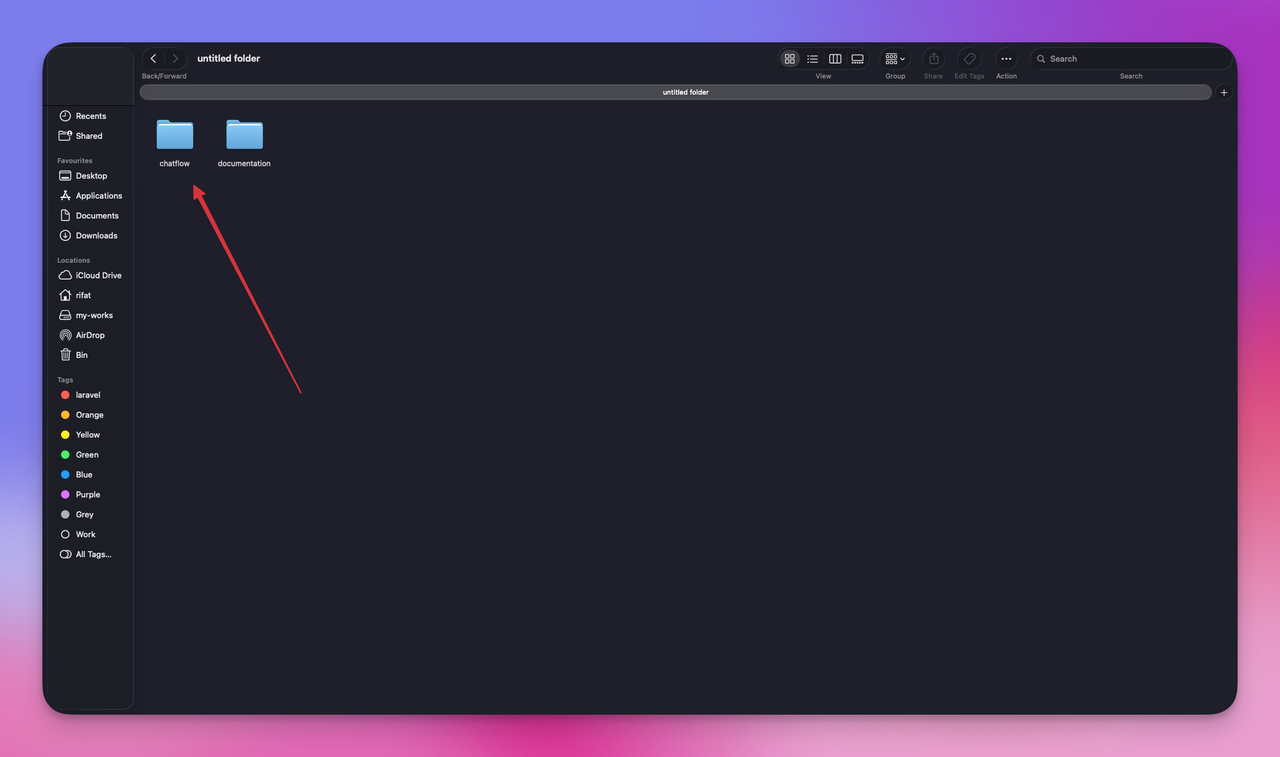
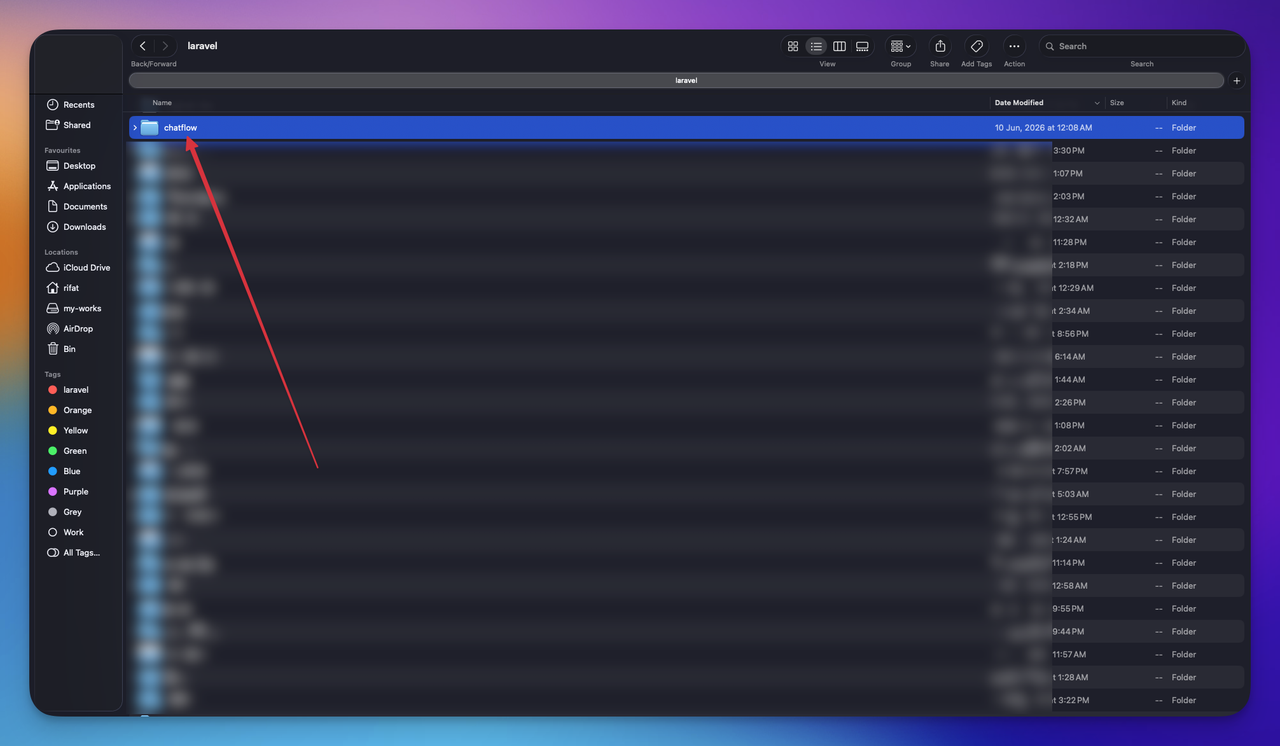
Copy the ChatFlow folder and paste it into your PHP project's root.
Run the Installer
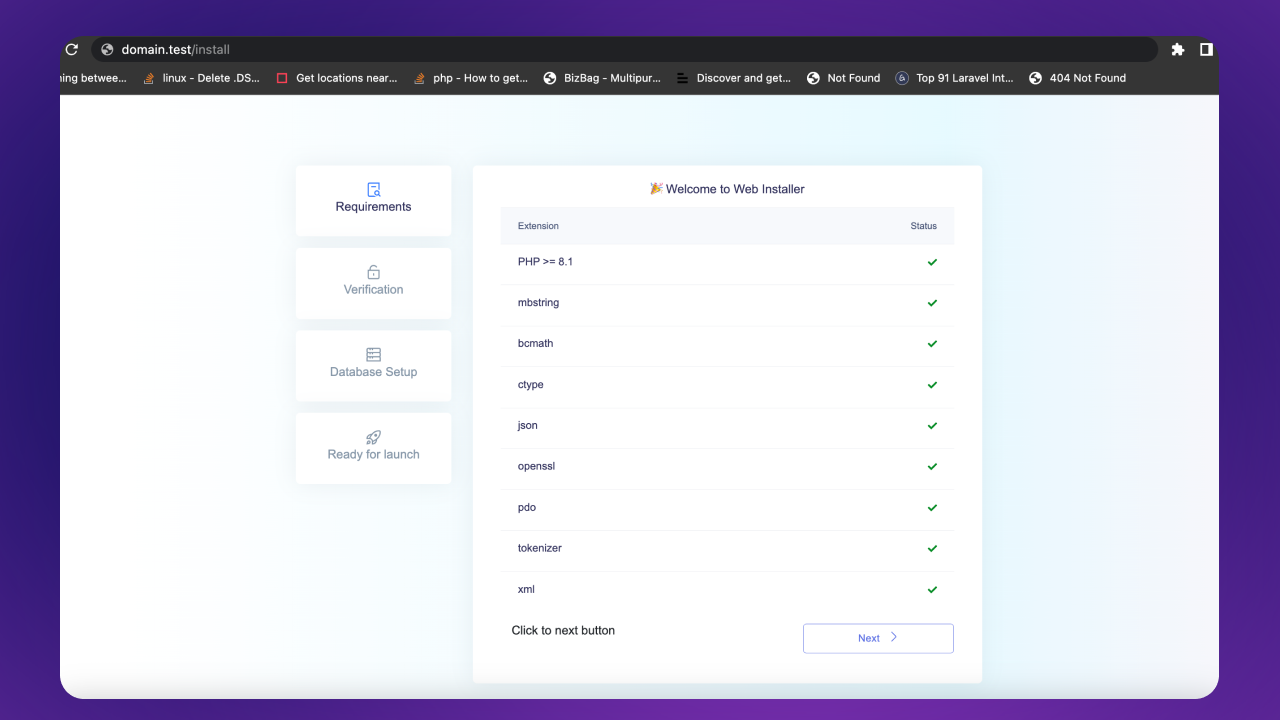
If you are using Valet, go to your browser and hit your project name with .test extension:
http://domain.test/install
Step 2
Click the Next button if all required extensions are enabled:
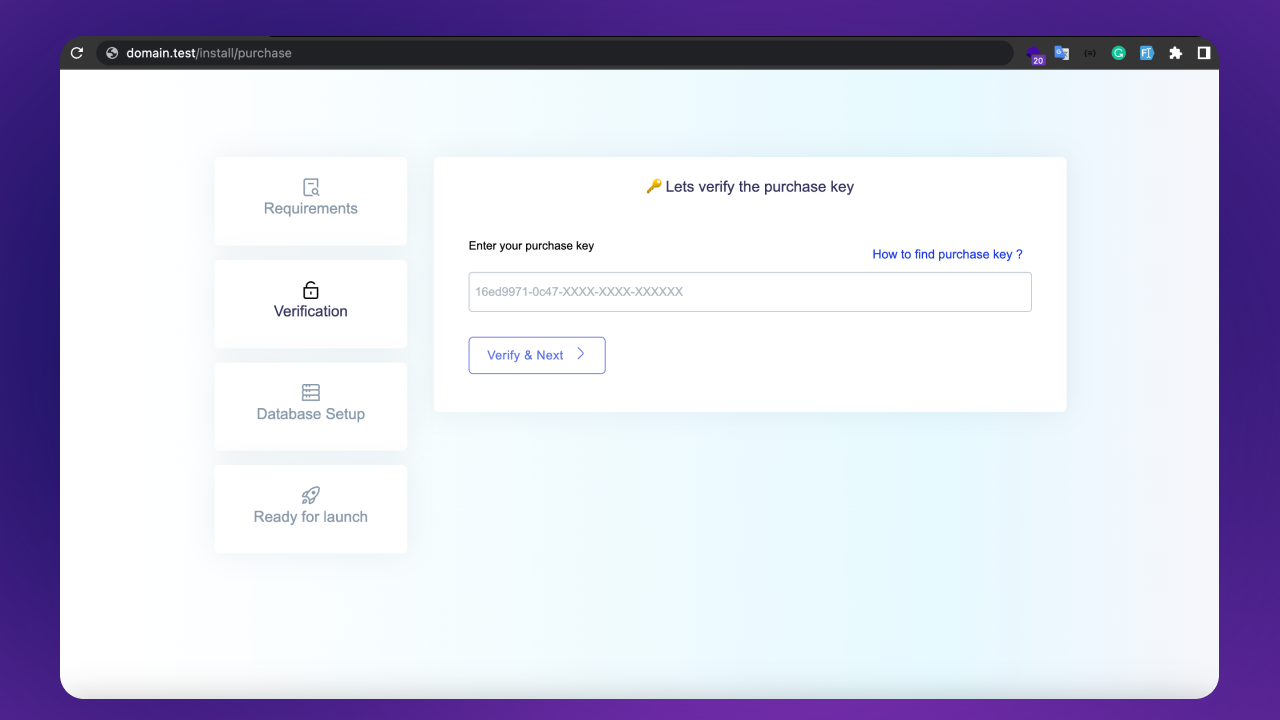
Step 3: Enter Purchase Key
Enter your purchase key and click Verify & Next button.
Where to find your purchase code (opens in a new tab)
Note:
You can use the license for one site only, either development or production.
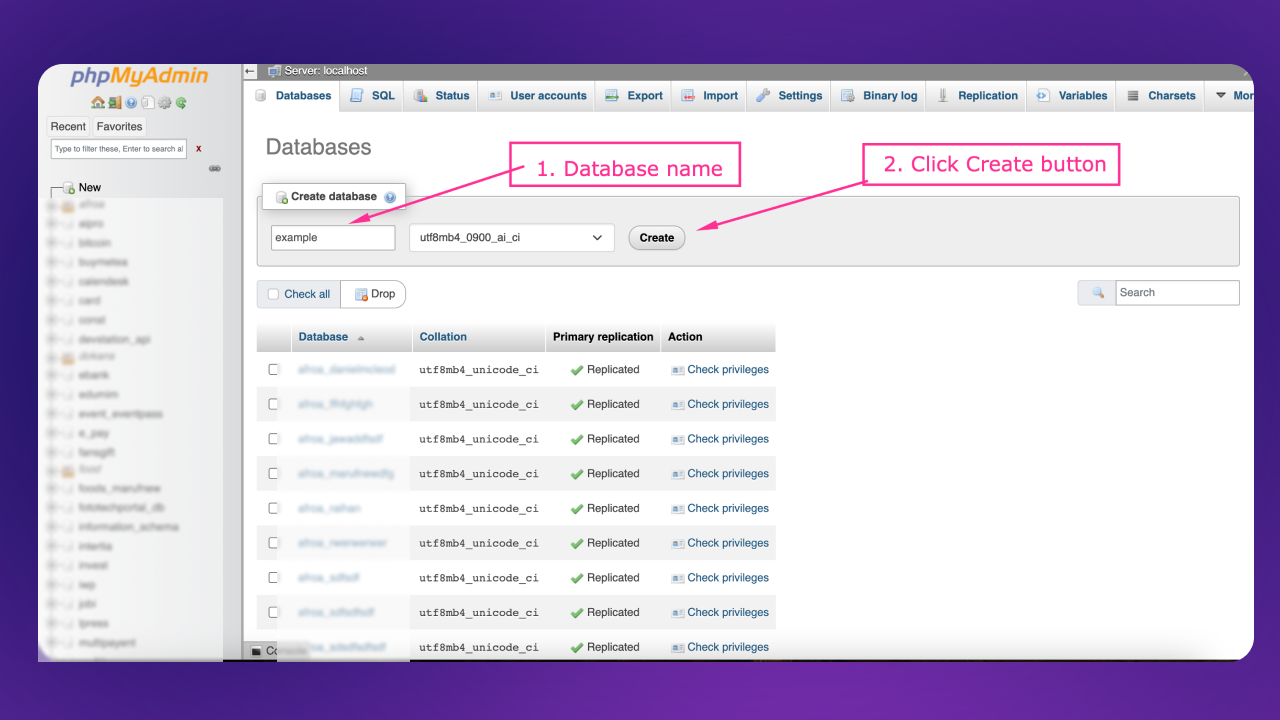
Create Database
Go to your database and create a new database.
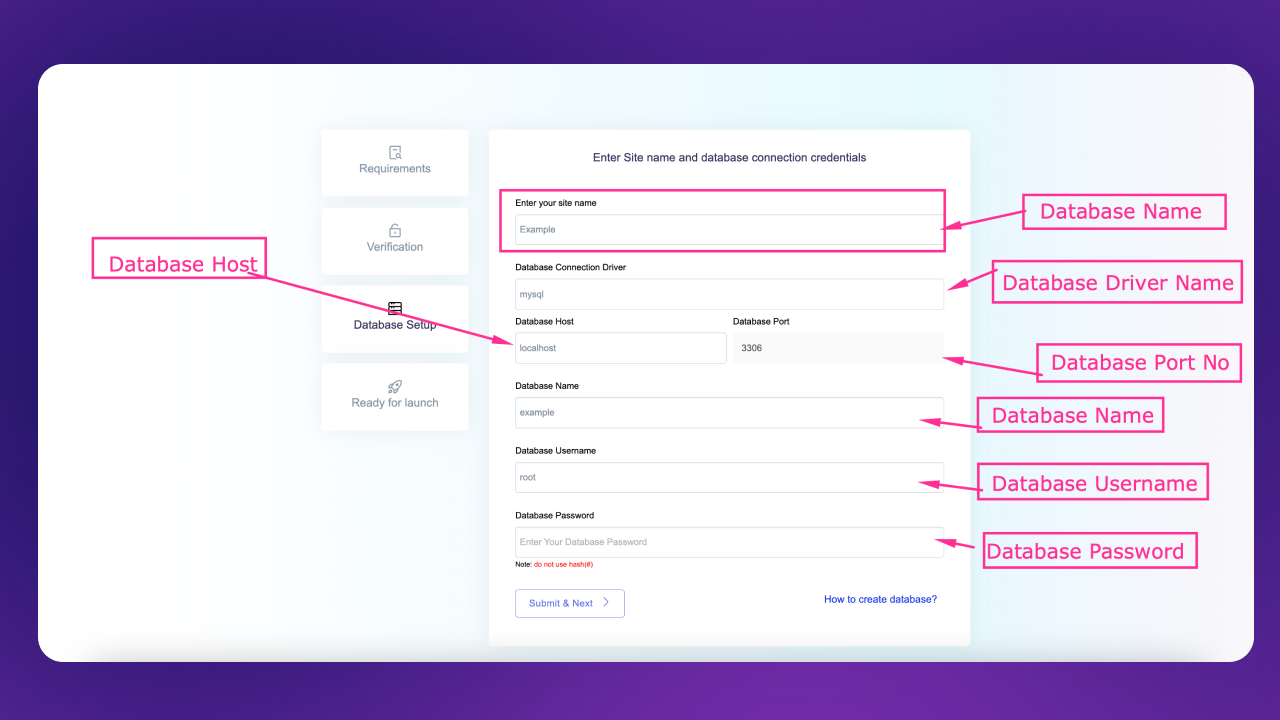
Step 4: Site & Database Setup
Enter your site name and database credentials:
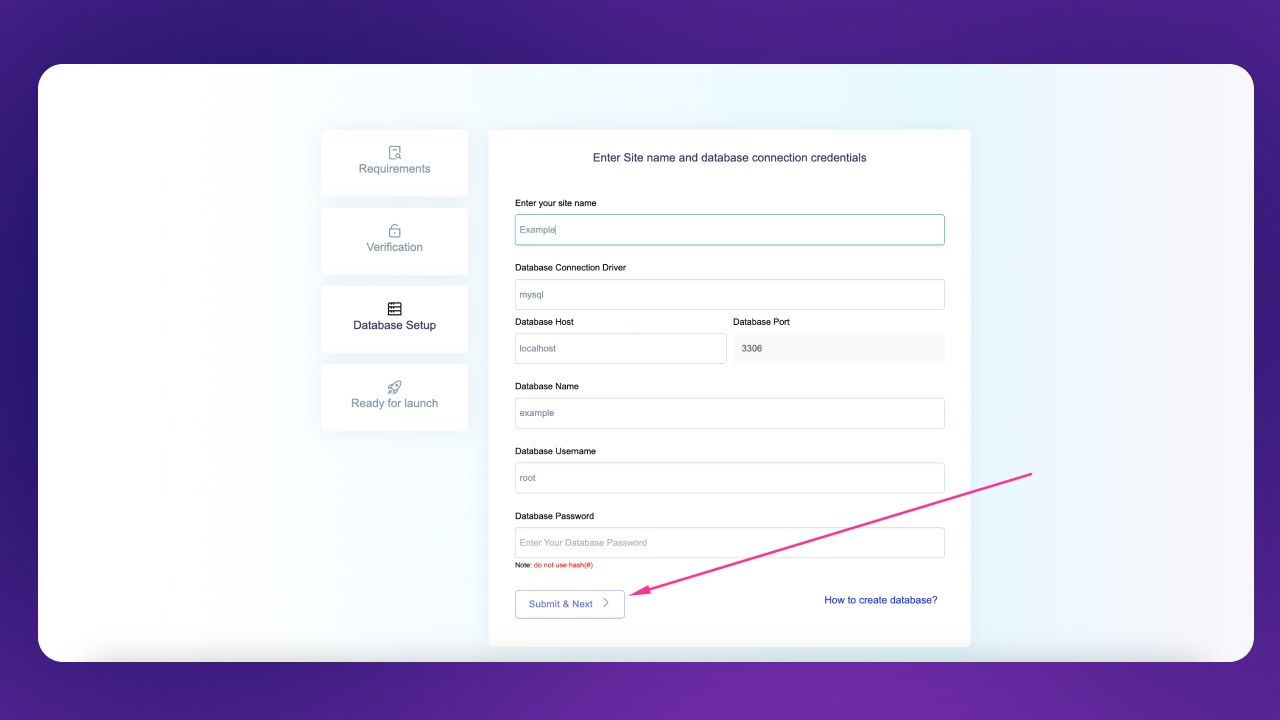
After filling the form, click Submit & Next:
It will take some time depending on your server performance.
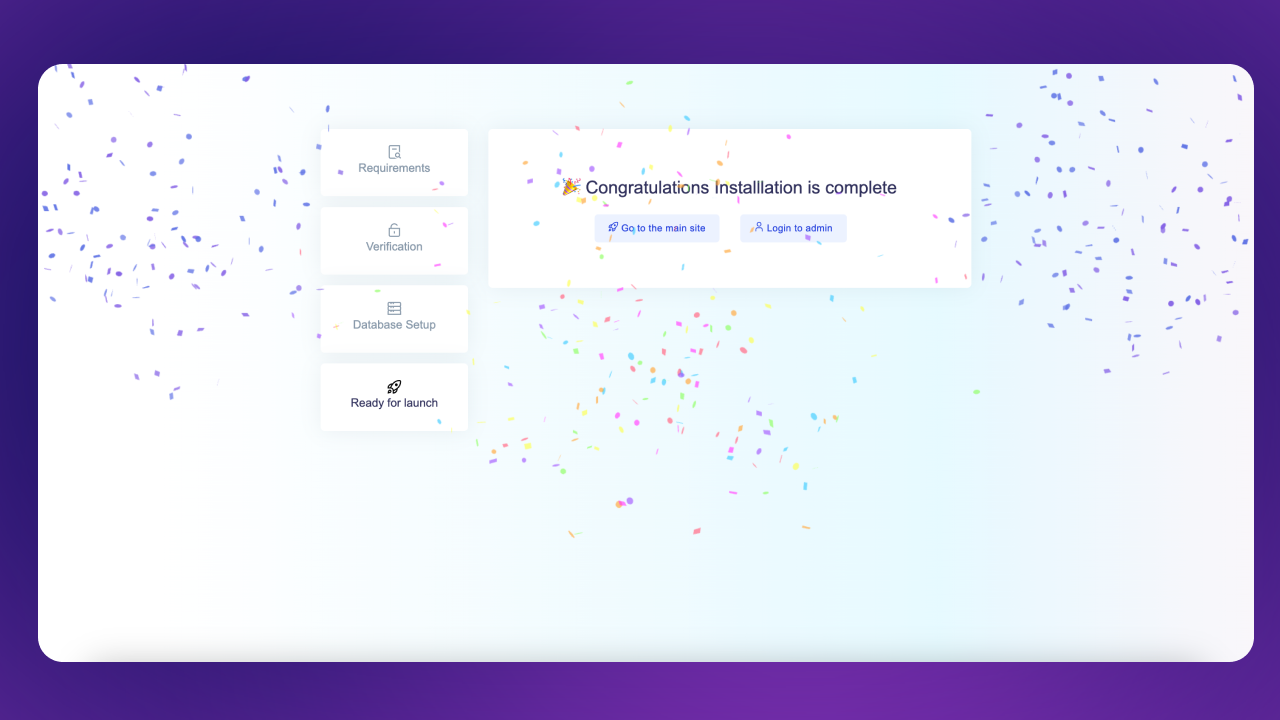
After installation, it will automatically redirect to the Installation Complete page:
Admin Panel Credentials
Admin Panel:
https://your-domain.com/login (opens in a new tab)
Email: admin@admin.com
Password: password